

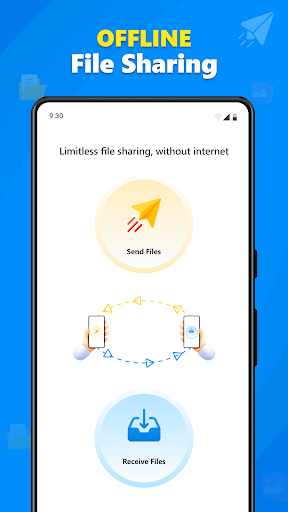
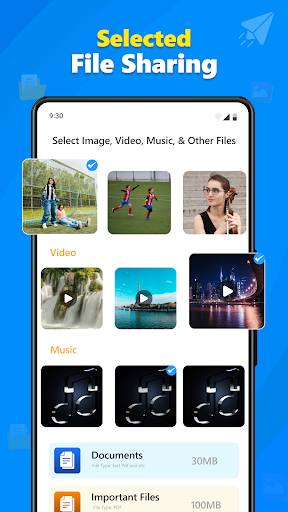
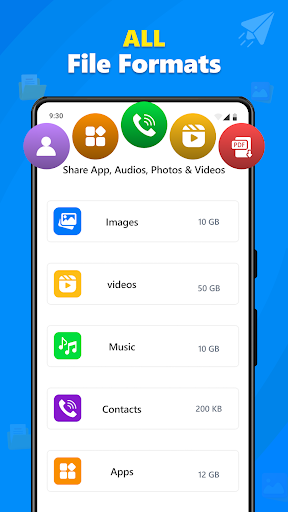
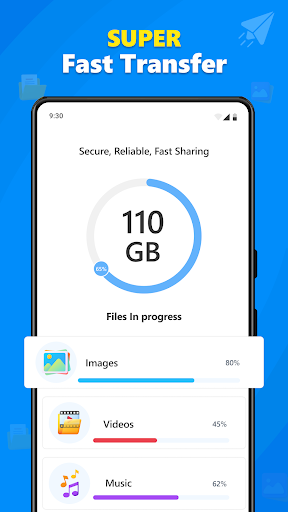
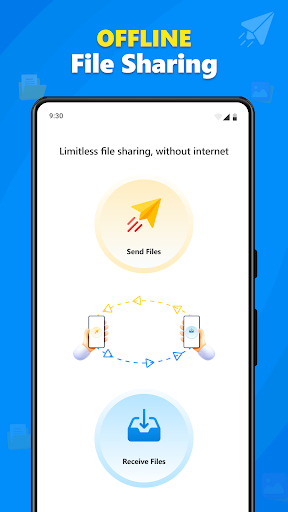
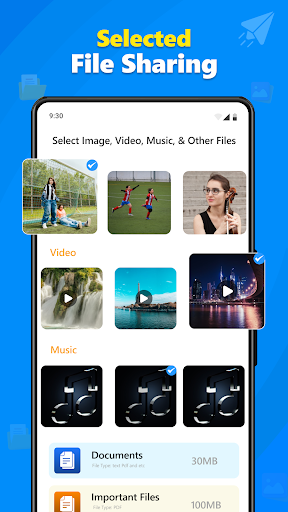
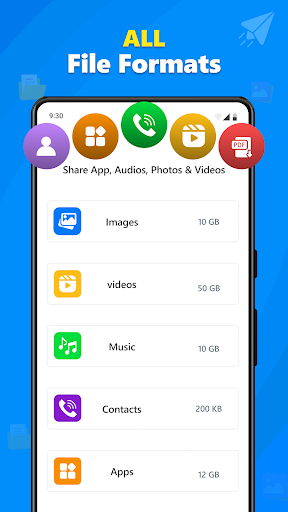
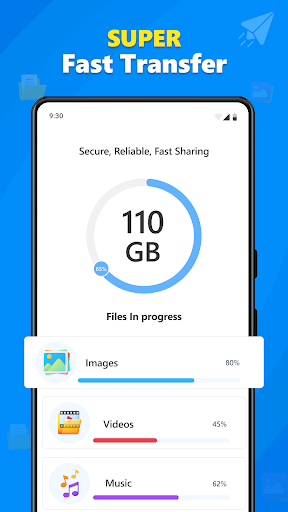
Quick Share: File Transfer App is designed to facilitate the transfer of various data types between phones. It enables users to move photos, videos, files, contacts, and applications from one device to another through wireless smart data transfer. Beyond simple file sharing, the app includes a Phone Clone feature, specifically for migrating all data from an old phone to a new one. It also supports secure cloud and link sharing, allowing for private backup, access, and sharing of photos, videos, and documents.
Phone-to-Phone Data Migration
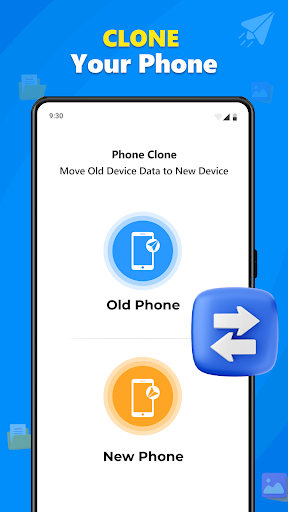
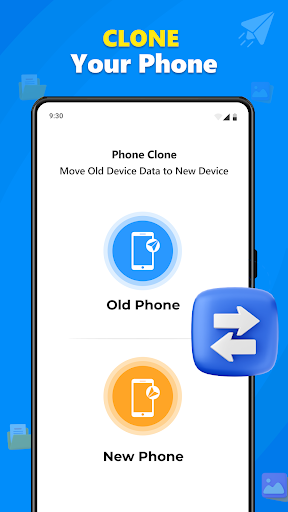
The app’s Phone Clone feature offers a comprehensive solution for users moving to a new device. This functionality allows for the transfer of a wide range of content, including all data, photos, videos, contacts, and apps, from an older phone directly to a newer one using wireless smart data transfer. This streamlines the process of setting up a new device with existing information.
Cloud and Link Sharing Capabilities
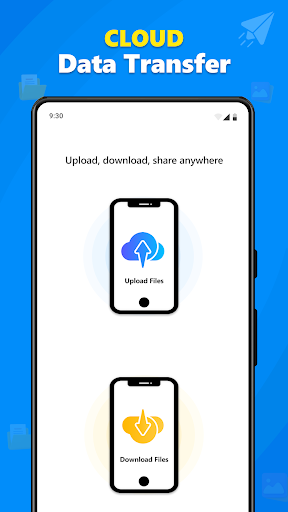
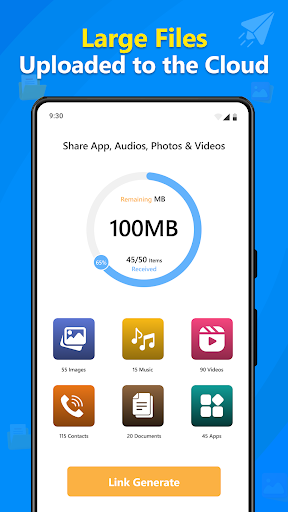
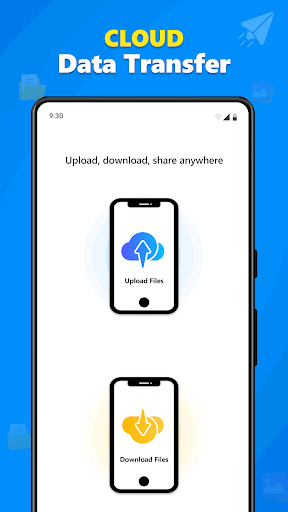
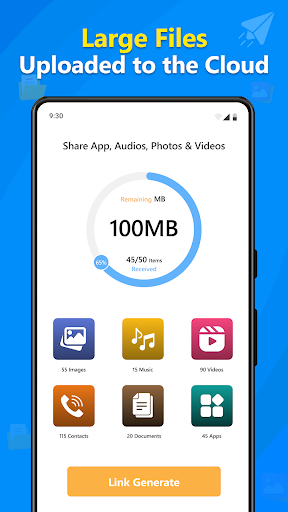
Quick Share provides options for cloud backup and link sharing. Users can back up their photos, videos, and documents to the cloud and access them privately at any time. The link sharing feature allows for sharing these files securely with others, offering flexibility beyond direct device-to-device transfers.
Duplicate Content Management
To help manage device storage, the app incorporates tools for identifying and removing redundant files. It includes a Duplicate File Remover and a Duplicate Content Remover, which users can employ to clear out unnecessary copies of data on their device.
QR Code Integration for Transfers
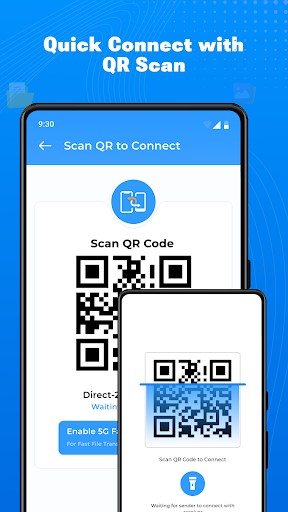
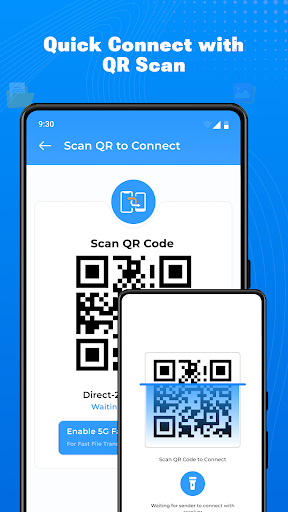
The app features a built-in QR Code Reader & Scanner. This tool can be used to facilitate file transfers, likely by simplifying the connection process between devices or accessing shared content through QR codes.



Write a review